 COME
COMECheck the COME account context on a shared phone
On a shared phone, confirm which account and device profile you are using before opening personal activity or changing settings.
Use the visible account area
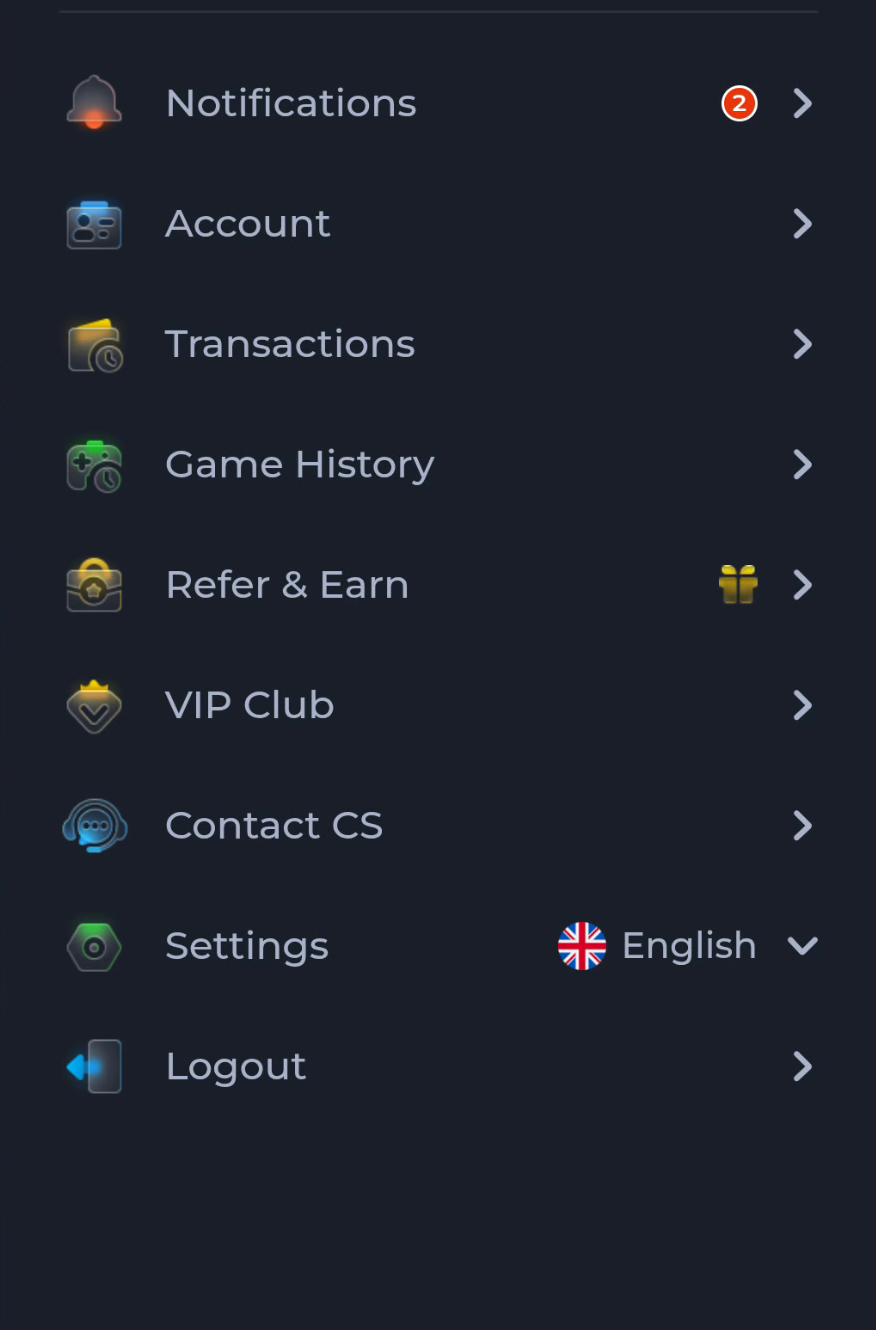
The Account menu identifies where to inspect account context in the current service. Avoid assuming that the last person's session has ended. Do not expose another person's records or use their credentials to complete your own task.
Keep device and app scope separate
Android profiles and an app's account session are different layers. Installing or updating an APK does not automatically identify the intended user. Follow the device owner's rules and the service's sign-in controls.
Limit what you share
If help is needed, describe the device context without sending passwords, codes or another person's private information. Avoid clearing data or logging someone out without their agreement merely to make an installation step easier.
A useful next step
Continue only in the account and device context you are entitled to use.